
01Business goals and owned assets
Start with what the business owns, what customers need to do, and which records must remain under accountable control.
Tools, systems, and proof
Boho builds websites, runs ongoing organic , and develops focused software when ordinary tools leave an important operating gap.
These public systems are inspectable technical proof—not claims about client results. Technical depth is useful when it produces a system the business can understand, verify, operate, and continue to own.
Layered infrastructure
Mature handle the commodity infrastructure. Boho engineers the operating system around the business.
Start with what the business owns, what customers need to do, and which records must remain under accountable control.
Boho connects the work through review, controlled , measurement, , , and durable documentation.
Established platforms handle commodity capabilities. They remain supporting infrastructure rather than Boho products.
The useful output is a working public or operational result that the business can understand, verify, and continue to own.
Five system families
Each family connects a commercial service, plain-language reference material, relevant proof, and a visual explanation without turning the underlying platforms into products.
Distinctive websites, structured content, reusable page systems, and publishing designed around search, ownership, and .
Versioned source, private previews, controlled production releases, paths, and documented ownership built on mature delivery infrastructure.
Website behavior, search performance, technical health, and business-specific actions collected from appropriate sources and turned into useful decisions.
Repeated intake, review, publishing, monitoring, and coordination tasks moved through controlled workflows with human approval where it matters.
, dashboards, , monitoring, calculators, and internal utilities built or connected when ordinary software leaves an important gap.
Repair, integrate, or build
We repair before replacing, integrate before rebuilding, and write custom software only when the missing capability is worth owning.
Define the business problem, the owner, the failure, and the result that would be worth changing.
Ask whether the current process or system can be repaired before adding another platform or .
If repair is not enough, use a mature product when it solves the problem cleanly and can be operated responsibly.
When a narrow capability is still missing, build only that component when its value exceeds build and maintenance cost.
Verify ownership, security, maintainability, failure behavior, portability, and the recovery path before release.
Selected custom tools
These focused systems were developed for real internal jobs, with public source and documentation for the selected releases.
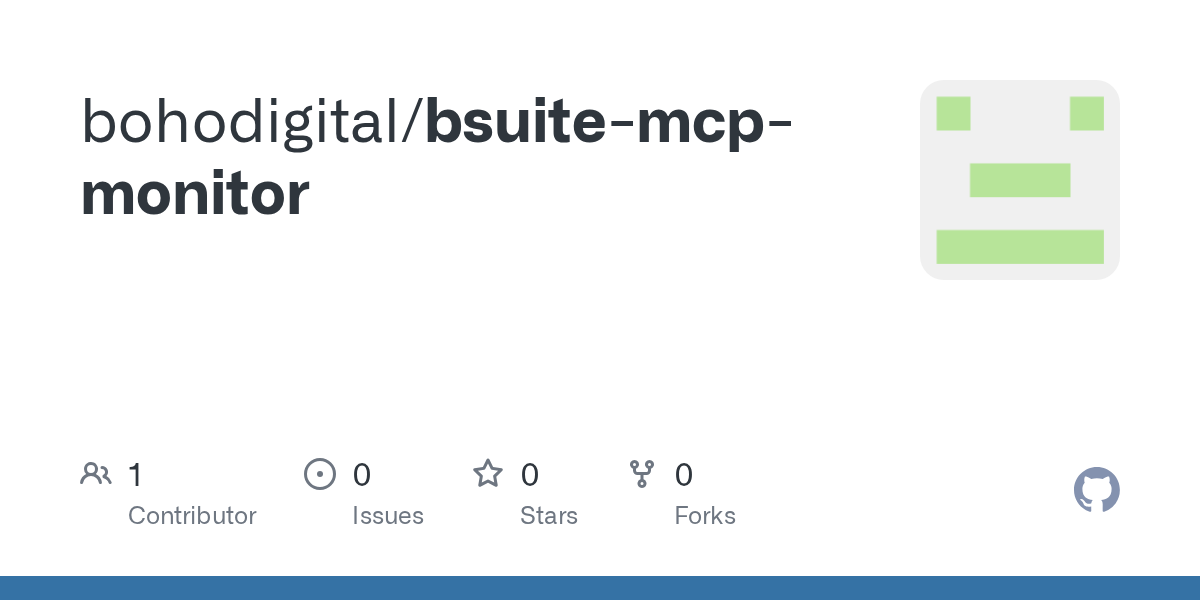
bsuite-mcp-monitorA lightweight Linux terminal for operating servers and the host, network, tunnel, usage, and signals around them.
bSuite brings service health, local listeners, tunnel reachability, command telemetry, usage limits, posture, and configured authentication checks into one operator view. It helps make the automation layer observable before anyone relies on it.
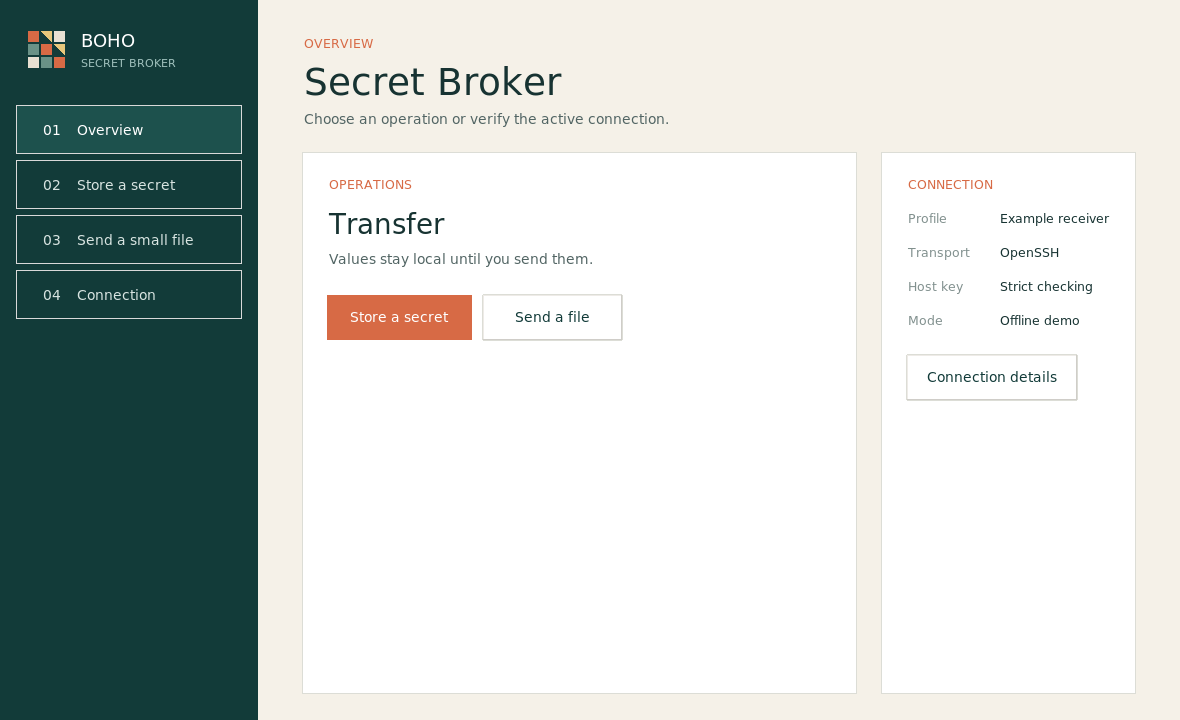
secret-brokerA public, tool for moving secrets and small configuration files over SSH.
Secret Broker makes the configuration boundary visible: values are entered locally and delivered through a restricted OpenSSH path to host-approved records or file targets. It supports , search, and deployment work without turning ordinary documents or chat into secret transport.
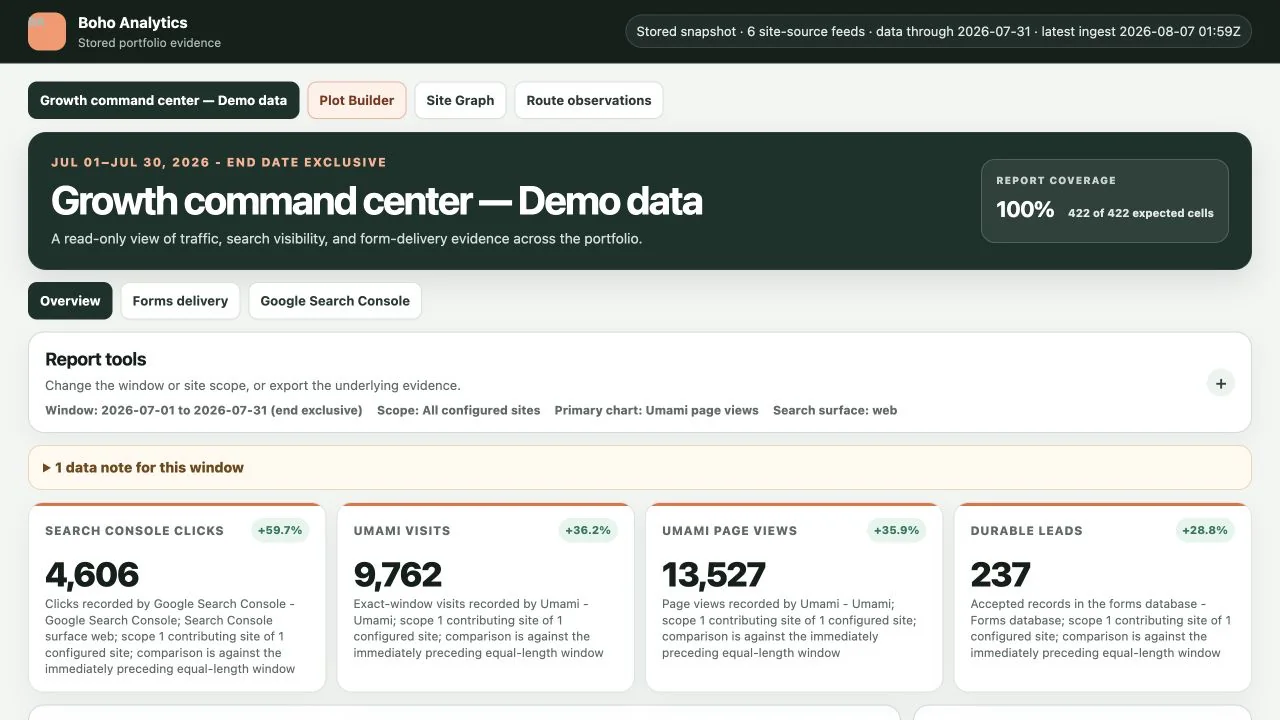
analysis-dashboardBuilt by Boho for its own SEO work, this MIT-licensed, self-hosted command center keeps website evidence source-labeled in one place. A technical operator can run the public core for DIY measurement or inspect the method.
Boho designed and built the application and product architecture on mature foundations and provider APIs. The public release contains the analytics and Site Graph core behind Boho’s own SEO workflow. It brings approved , , , , and form-monitoring aggregates into one source-labeled view without silently blending unlike . Site Graph separately maps revision-pinned pages and internal-link pathways; that structural evidence is never presented as visitor behavior, performance, or search authority. Private mappings, credentials, schedules, client data, deployment configuration, reports, and internal integrations are not part of the public release.
Independent brand properties
These independent Boho brands each serve a distinct audience and editorial job. Together they help us study how answer-first content, topic depth, interactive tools, definitions, and evidence-aware publishing support different kinds of search behavior.
howbiscuit.com
An answer-first field guide for school, cooking, home technology, everyday science, and practical problem solving.
How Biscuit gives broad, mixed-intent questions a plain-language home. It helps us study how concise answers, useful context, content-type organization, and internal paths can serve people who arrive with very different levels of knowledge.
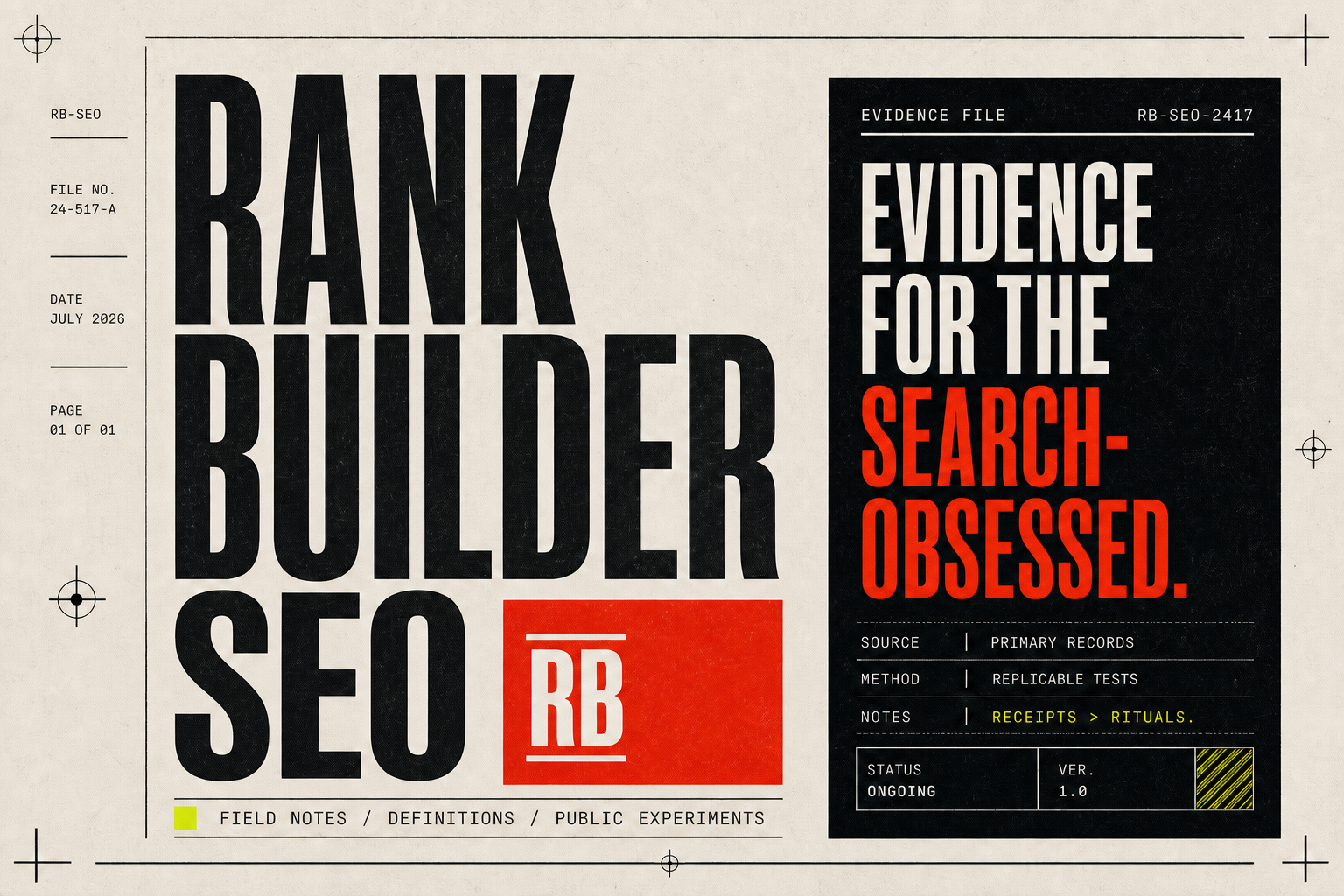
rankbuilderseo.com
An independent SEO research desk publishing evidence-aware articles, guides, definitions, and experiments.
Rank Builder SEO is the brand where search claims are treated as research questions. It helps us examine source quality, replicable tests, buyer-defense content, technical definitions, and the difference between useful evidence and industry ritual.
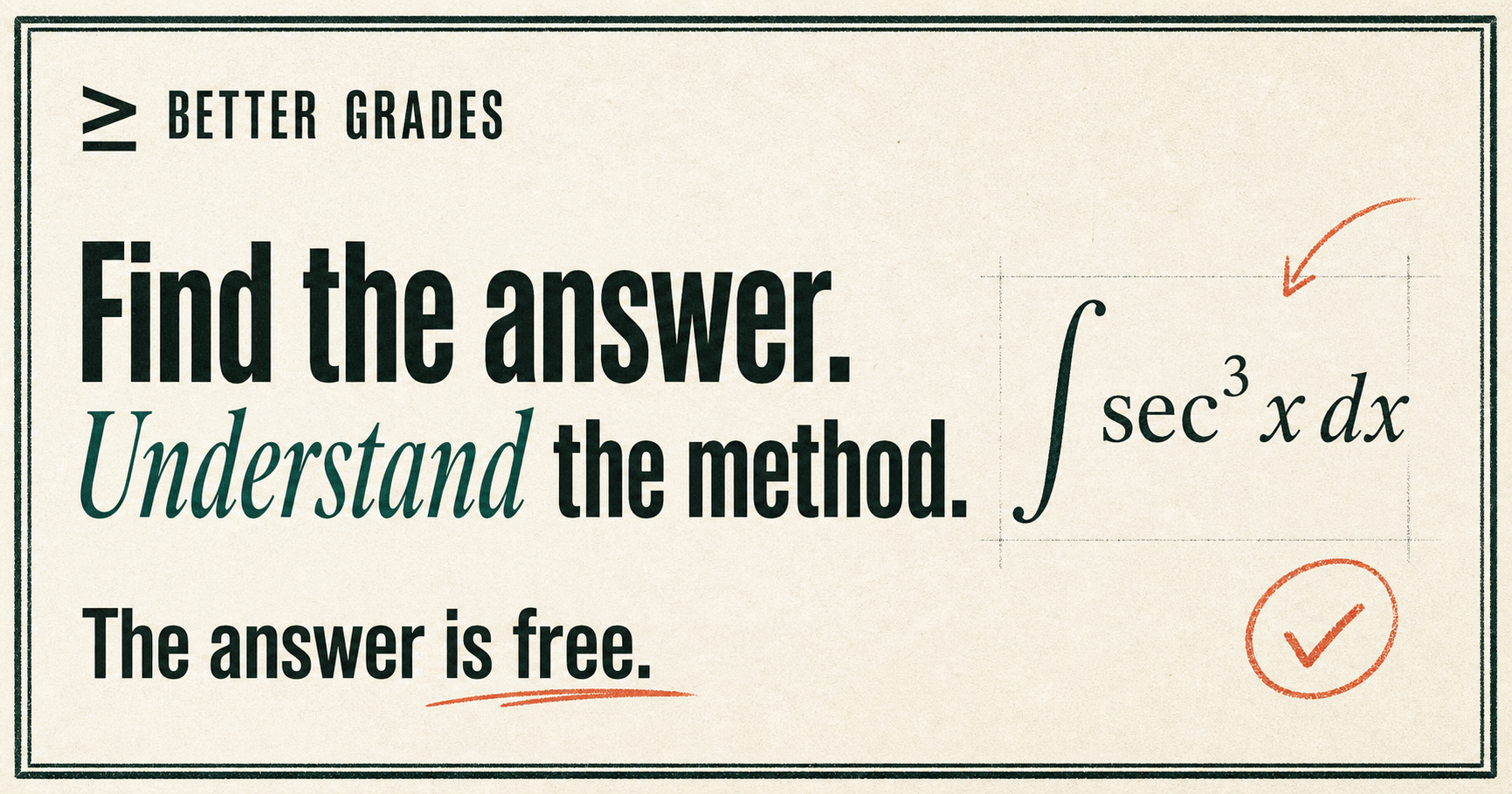
bettergrades.net
A free academic answer, explanation, calculator, practice, and diagnostic platform spanning Algebra and Calculus.
Better Grades connects direct answers to methods, topic maps, calculators, practice, and diagnostics. It helps us study topic depth, search-to-tool journeys, structured content relationships, and the point where an explanation should turn into active practice.
Visual systems library
The visual library explains how the parts work together without turning internal architecture into a wall of software names.
Glossary bridge
Move from the systems view into a focused cluster without repeating full technical definitions here.